Stop wasting ink reprinting jobs that looked right on screen. When looking for the best monitor calibration for photographers, PerfectChroma delivers the laboratory-grade ICC profile accuracy needed to make your display a true window into your final output. Furthermore, whether that's a fine-art Giclée, a commercial magazine spread, or a client wedding album, you can trust every print.
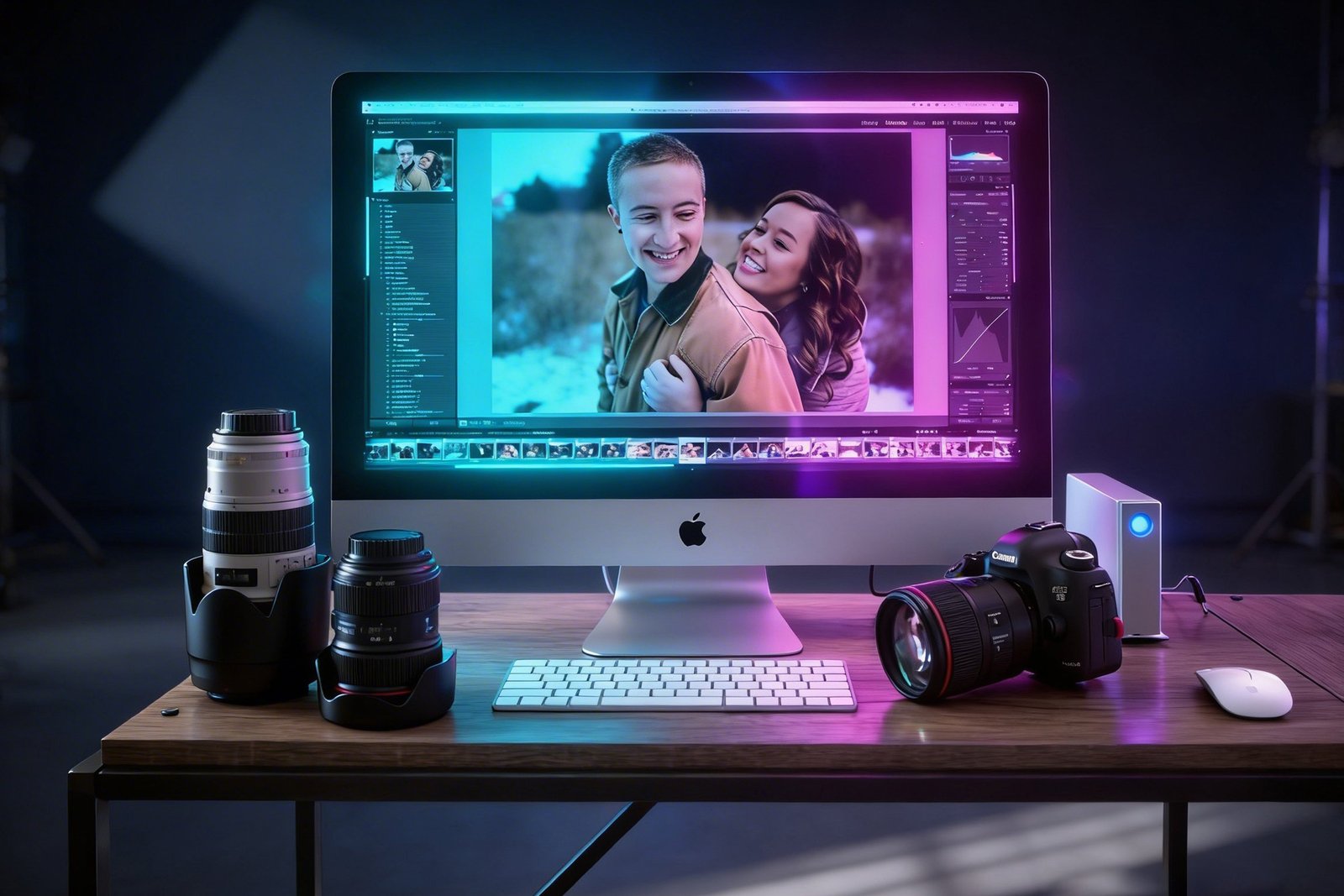
Since the best monitor calibration for photographers must be reliable entirely, we designed a four-step workflow that eliminates the gap between what you see and what you get.
Plug in your X-Rite i1Display Pro, Calibrite, or compatible device. PerfectChroma auto-detects it in seconds.
Choose sRGB IEC 61966-2-1 for web output, Adobe RGB 1998 for commercial print, or D50 for fine-art soft-proofing.
PerfectChroma measures, builds a 3D LUT, and installs the ICC profile automatically into Lightroom, Photoshop, and Capture One.
Run the 100-patch ΔE verification pass. Get a PDF report. Export to print with total confidence your colours will land perfectly.
Therefore, every feature is engineered around the print-to-screen accuracy challenges photographers face daily. Because of this, you get undeniable results.
Generates highly accurate ICC v4 profiles from sensor data — natively recognised by Photoshop, Lightroom, and Capture One. Supports both display and output (printer) profiles.
Calibrate to D50 white point to align with print industry standards. Combine with your paper ICC profiles for reliable soft-proofing of Giclée, silver halide, and chromogenic prints.
PerfectChroma optionally monitors your studio ambient illumination and adjusts display luminance automatically — critical for consistent editing sessions as lighting conditions change.
Post-calibration verification across 100 test patches. Average ΔE2000 < 1.0 guaranteed. Generate a signed PDF report for client transparency or lab submission.
Achieving accurate color in photographic prints primarily requires a tightly controlled ICC profile workflow. Consequently, uncalibrated monitors often display shadow details that printers cannot reproduce, or oversaturate colors beyond the limits of fine-art cotton rag papers. This is exactly why having the best monitor calibration for photographers is critical. PerfectChroma addresses this by locking your display's gamma, white point, and luminance to industry-standard targets like D50 and 120 cd/m², creating an optimal soft-proofing environment as a result.
Moreover, by measuring the exact spectral response of your panel, the software generates highly precise 3D LUTs that map your screen’s native gamut directly to your printer’s capabilities. Accordingly, this minimizes out-of-gamut clipping and ensures predictable tonality across both sRGB and Adobe RGB workflows. Ultimately, this eliminates the costly cycle of test prints and manual color matching.
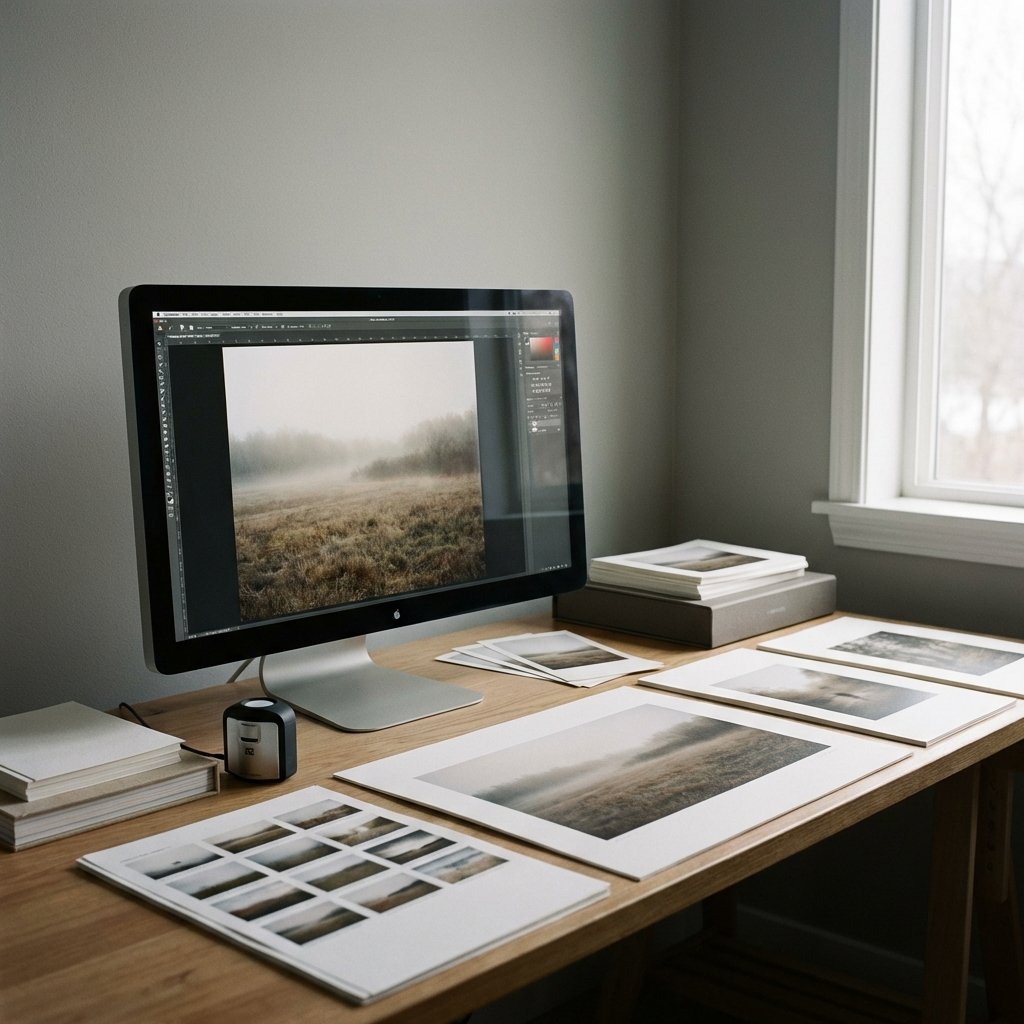
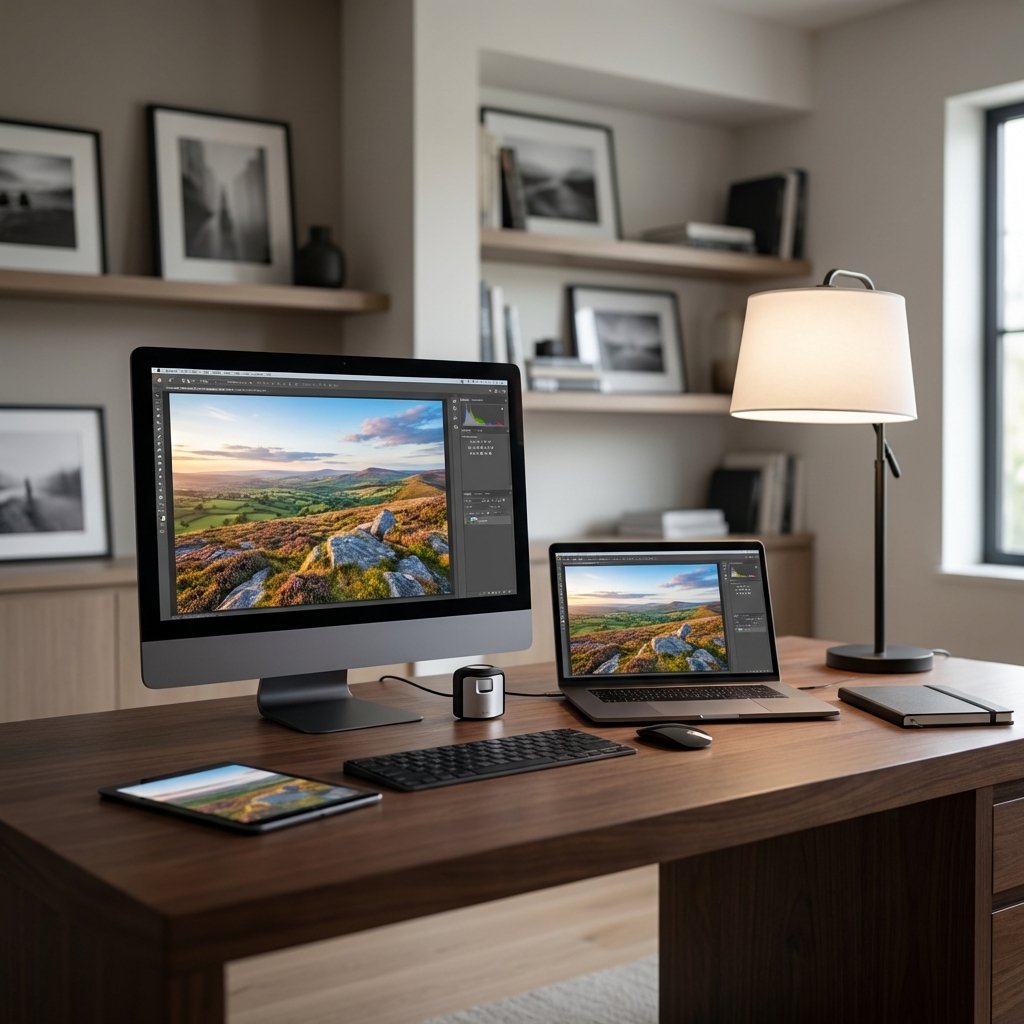
For instance, whether you are rendering JPEG files for digital web delivery or prepping high-resolution 16-bit TIFFs for a commercial lab, visual consistency is paramount to your workflow. Photographers relying on factory monitor settings risk significant color drift caused by panel aging, backlight degradation, and ambient lighting changes in the studio; therefore, the best monitor calibration for photographers is essential to combat these variables.
As a result, our periodic calibration validation tools track your display's ΔE (Delta-E) drift over time, alerting you when a recalibration is necessary. This guarantees that your edits in Adobe Photoshop, Lightroom Classic, Capture One, and other color-managed RAW processors remain objectively accurate. In conclusion, this protects your creative intent from the camera sensor all the way to the final published material.
Join thousands of professional photographers who have eliminated print guesswork and deliver colour-accurate files every single time.