Professional Display Calibration Software Powered by Qubyx Logo
Perfect Color.
Every Pixel. Every Time.

PerfectChroma is professional display calibration software built for photographers, videographers, editors, and serious content creators who require consistent, trustworthy color—without the complexity of traditional color-science tools.

What you see on screen is exactly what you deliver.
Calibrate With Confidence

Why Your Display Calibration Software Matters

Color accuracy is not a luxury—it is a requirement. Without proper display calibration software, even premium monitors drift over time, causing your work to look radically different on another screen, in print, or after upload. As a result, client rejections and costly reprints become unavoidable.

However, PerfectChroma ensures your creative vision translates flawlessly from edit to export, print, and delivery. Moreover, it is the only tool that continuously monitors your display so you never unknowingly work on a drifted screen. Learn more about color calibration standards.

The Problem

Betrayed by Screens

You spend hours perfecting tones and skin colors—only to discover your work looks radically different on another screen, in print, or after upload. Consequently, your effort goes to waste.

Learn More →
Color drift problem solved by display calibration software
The Reality

Silent Hardware Drift

Even premium monitors degrade over time. In addition, uncalibrated displays introduce color shifts, luminance drift, and inaccurate white points without you noticing.

Learn More →
Hardware Drift Reality Illustration
The Solution

What You See Is Real

With PerfectChroma display calibration software, your display is continuously verified and monitored. Therefore, you can be confident that your colors are true everywhere: screen, print, and upload.

Learn More →
PerfectChroma display calibration software solution illustration

See the Difference

Drag to compare
After display calibration software - accurate color output Before display calibration software - uncalibrated monitor
Uncalibrated
Calibrated
Washed out reds vs Vibrant accurate colors
SMART PRESETS

Smart Presets for Precise Monitor Calibration

Intelligently designed presets tailored to real-world creative workflows—not just abstract technical standards. In other words, you get the right color profile for every job. Furthermore, you can switch instantly between industry-standard profiles built into your display calibration software.

Photography

ISO 3664 / D50

Print-accurate editing with the same standard used by professional photo labs. Perfect for photographers who deliver prints.

Video Production

Rec.709

Correct gamma handling for broadcast and streaming. Supports Rec.2020 and P3-D65 for HDR workflows.

Web & Digital Design

sRGB

Optimization for online consistency across devices. Ensures your designs look correct on client screens.

Prepress & Proofing

Standard Prepress

Wide-gamut support for professional printing workflows. Soft-proofing simulation for specific paper types.

Features

Professional Color Accuracy Features

Everything you need for perfect color accuracy—powered by PerfectChroma's professional calibration tools built for creative workflows.

01

Verification & Documentation

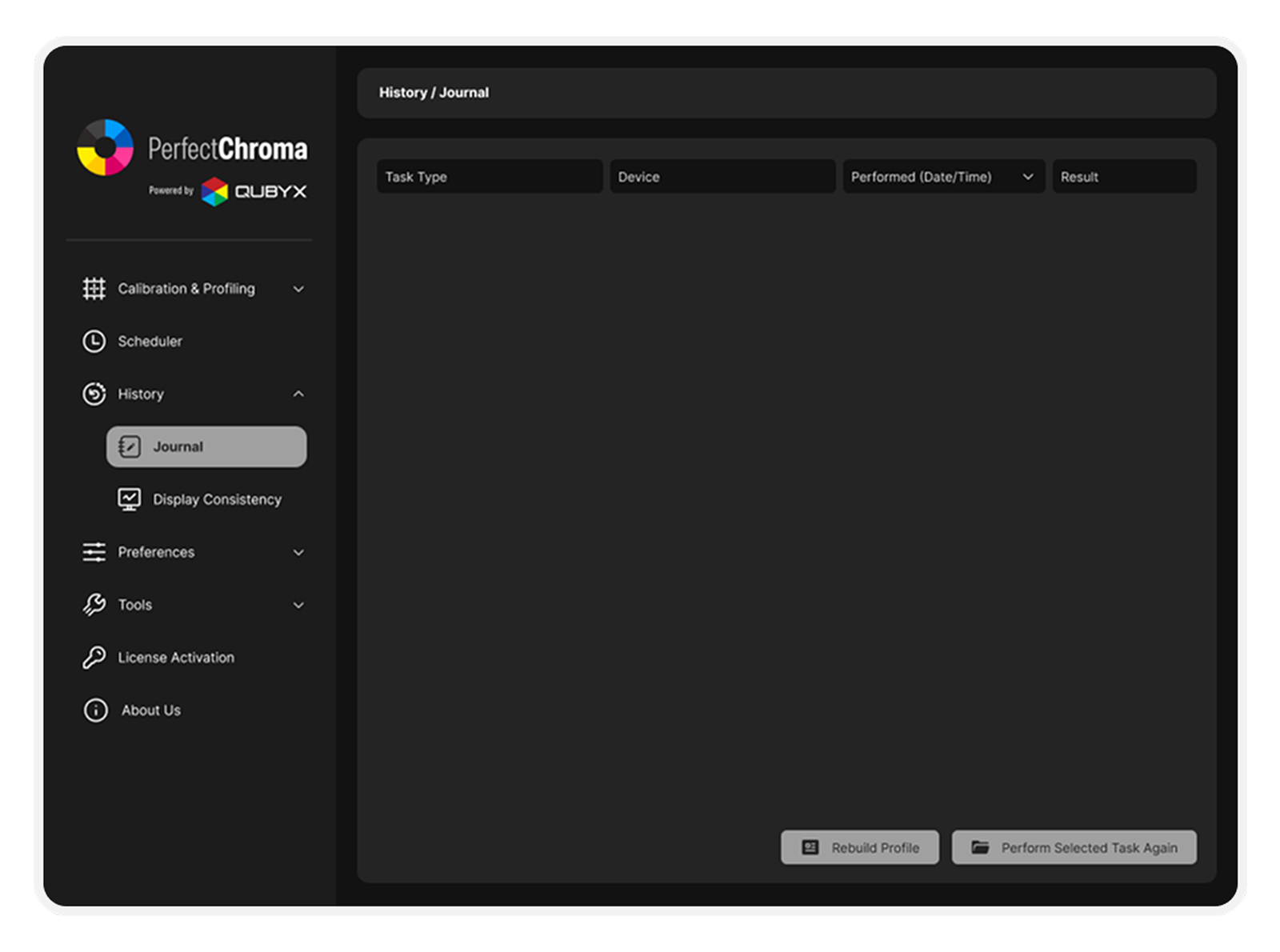
Automated delta-E reports and history tracking for client confidence. In addition, you can generate detailed PDF proof that your monitor meets strict industry standards before you deliver the final cut.

Verification and documentation feature of PerfectChroma display calibration software
02

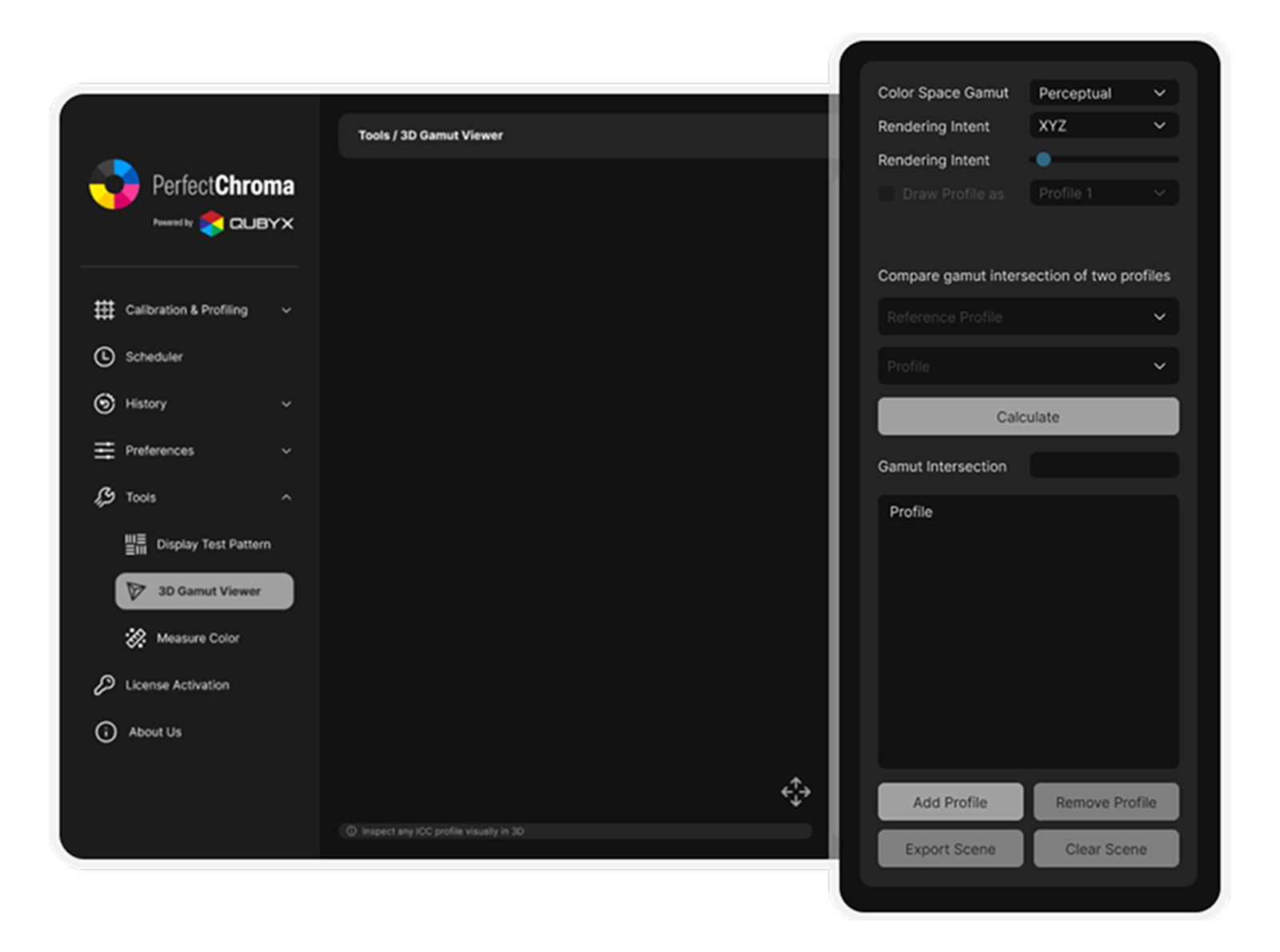
3D Gamut Visualization

Visualize your display's color reproduction capabilities in three dimensions. As a result, you can intuitively understand which colors your monitor handles perfectly and where it falls out of gamut.

Learn more →
3D gamut visualization in PerfectChroma display calibration software
03

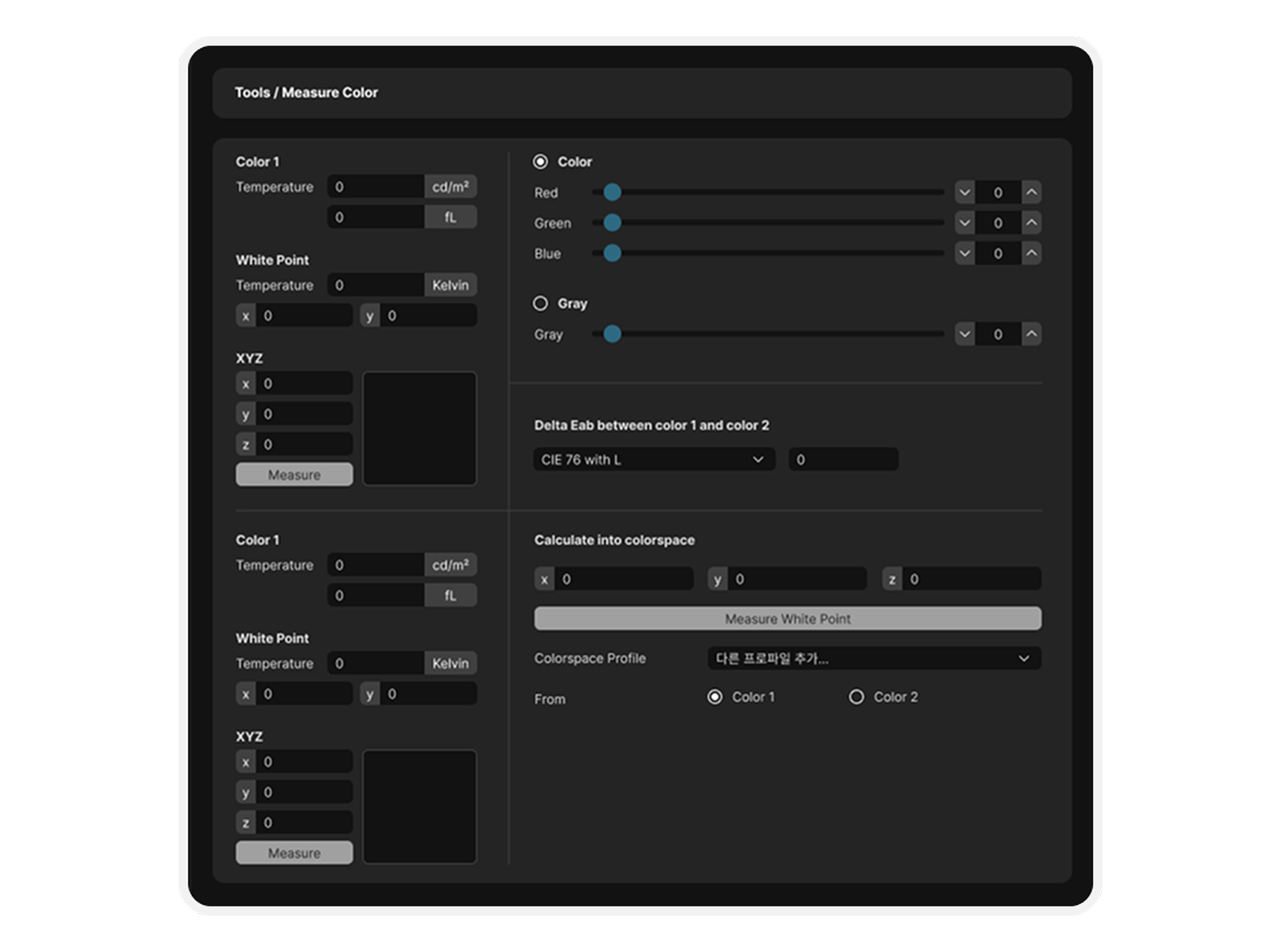
Precision Measurement

Lab-grade spot measurement for Luminance, White Point, and XYZ values. Moreover, you can use the software as a real-time colorimeter to check specific patches or evaluate ambient lighting conditions.

Learn more →
Precision measurement tool in display calibration software
04

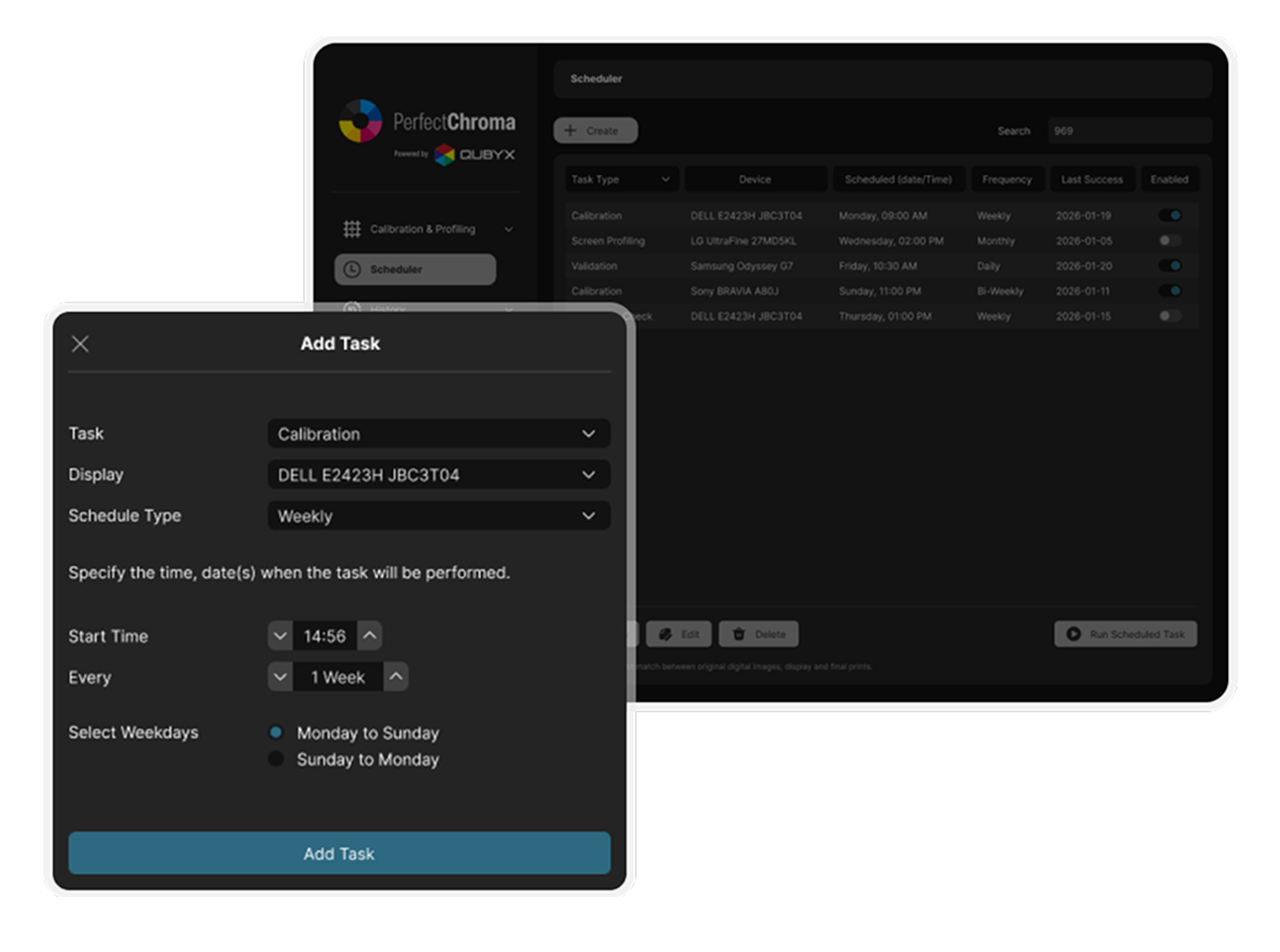
Automated Scheduling

Schedule calibrations to run overnight so you never work on a drifted display. Consequently, you wake up to a perfectly verified pipeline every single morning without interrupting your creative flow.

Automated scheduling feature of display calibration software
05

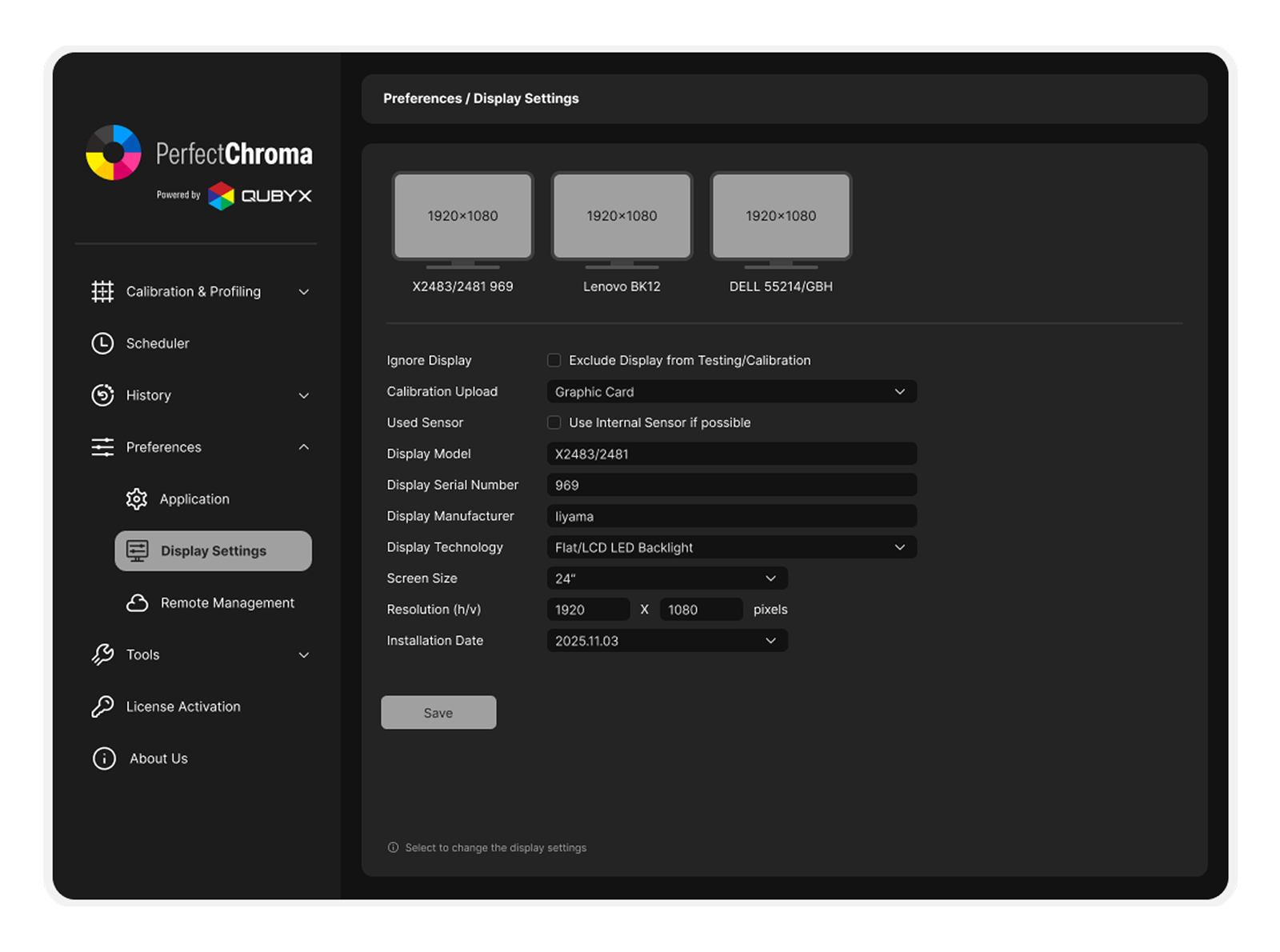
Multi-Display Management

Manage your entire facility from one dashboard with remote workstation support. Therefore, you can ensure the editor, colorist, and art director are all looking at the exact same calibrated reference point.

Multi-display management in PerfectChroma display calibration software
06

Multilingual Workflows

Deploy the same calibrated workflow across global teams with interface and documentation support tailored to different regions. This reduces handoff friction between operators, local distributors, training staff, and end clients.

Language Pack Active
07

ISO Compliance Testing

Run structured checks against ISO viewing and display targets before approving a workstation for production. Your team can confirm luminance, white point, gamma behavior, and tolerance limits in a repeatable QA routine.

Learn more →
ISO Test Passed
White PointDelta OK
Luminance120 cd/m2
GammaWithin tolerance
08

Smart Calibration Presets

Industry-standard profiles built for photography workflows. Calibrates your display to D65 white point, gamma 2.2, and 160 cd/m² — the optimal environment for editing RAW files and preparing prints.

Preset Photography
CIE L* Color
BT.709
ISO 3664/12646 (D50)
ISO 3664/12646 (D65)
Notebook
Office
Photography
PrePress
Video
Web Design
sRGB
Custom
In Development

AI Calibration
Still in Development.

We are currently developing PerfectChroma's AI-assisted calibration workflow. The goal is to help operators evaluate ambient light, recognize panel conditions, and recommend a more reliable starting target before manual verification begins.

This feature is not released yet. The current concept covers smart measurement guidance, environment-aware recommendations, and faster setup for first-pass calibration sessions.

Coming Soon
AI Calibration Preview
Feature Development Snapshot
Prototype Phase
Planned Modules
3 active tracks
Ambient Light Analysis In research
Panel Condition Detection Prototype
Smart LUT Suggestions Concept
Current Focus
Measurement flow
Target recommendation
Verification handoff
Release Note

AI assistance is being designed to support calibration decisions, not replace validation and final operator control.

Status
Internal exploration
Output
Guided recommendations
Mode
Operator-assisted
Free Tool Included

Built-in Screen Calibration
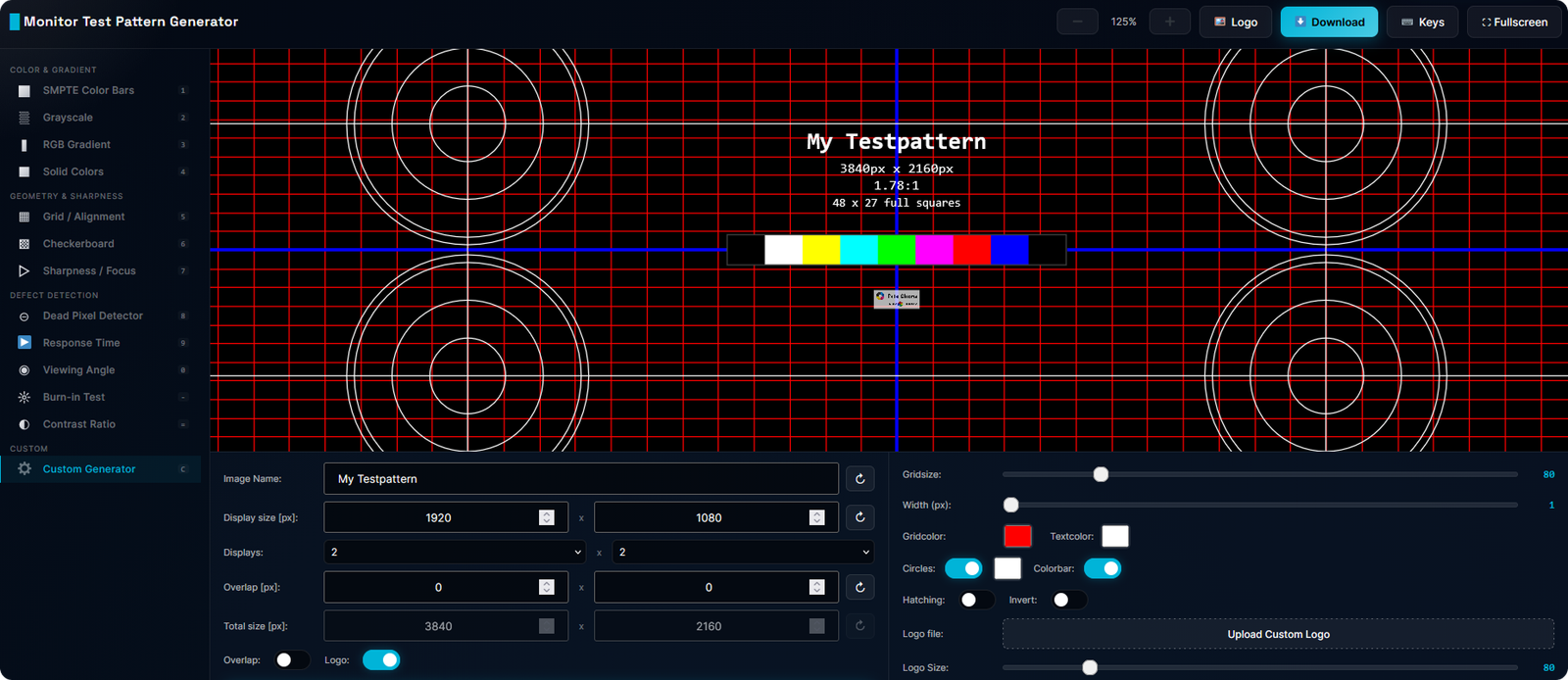
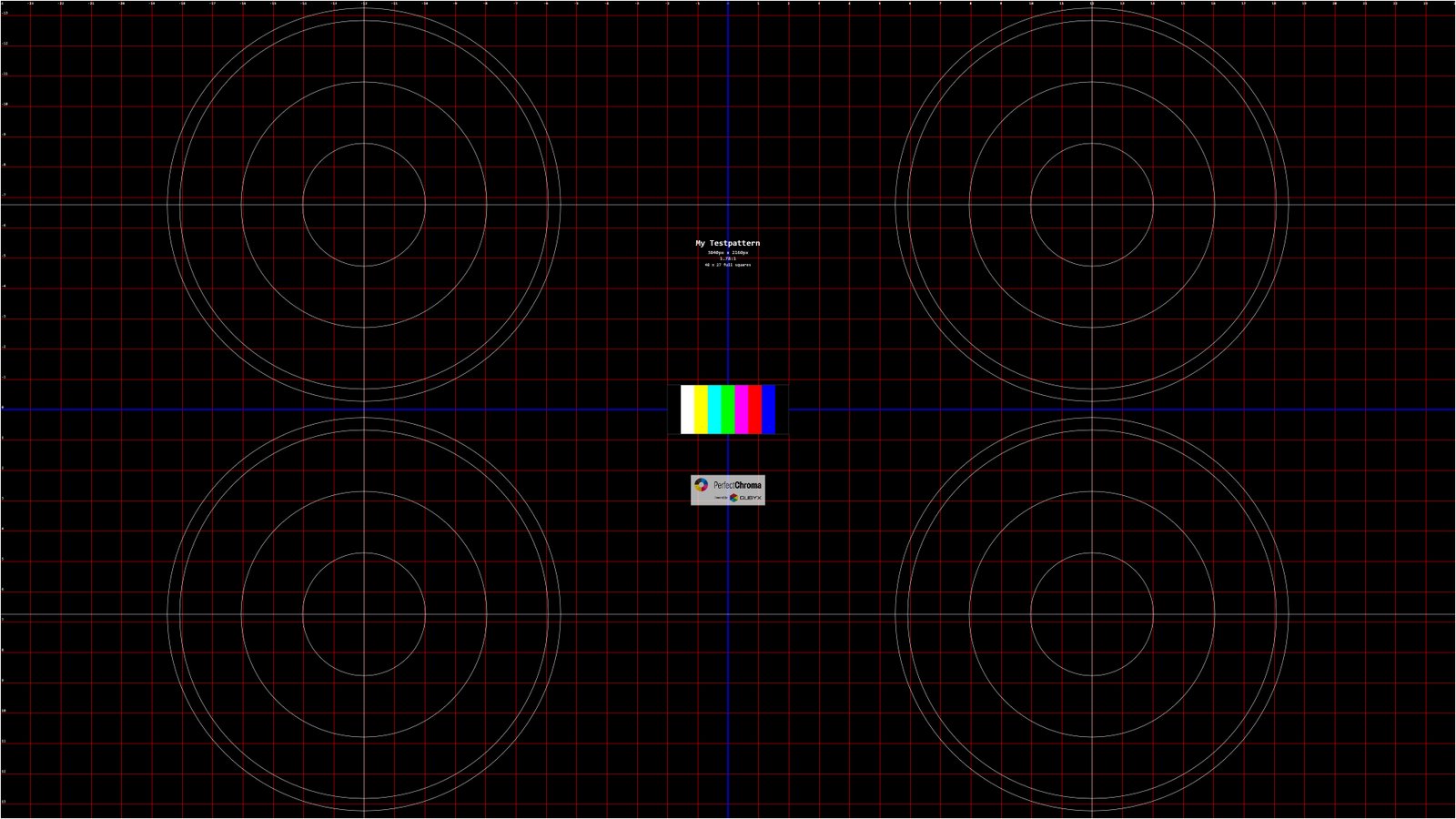
Test Pattern Generator

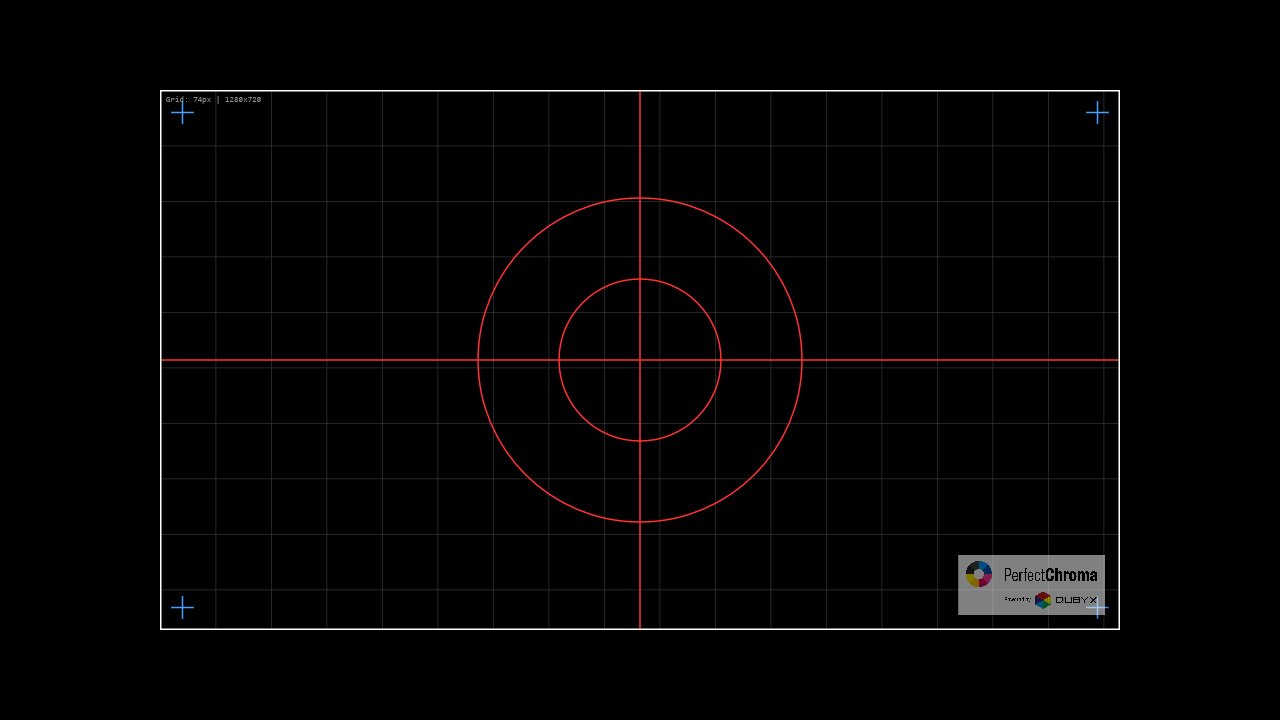
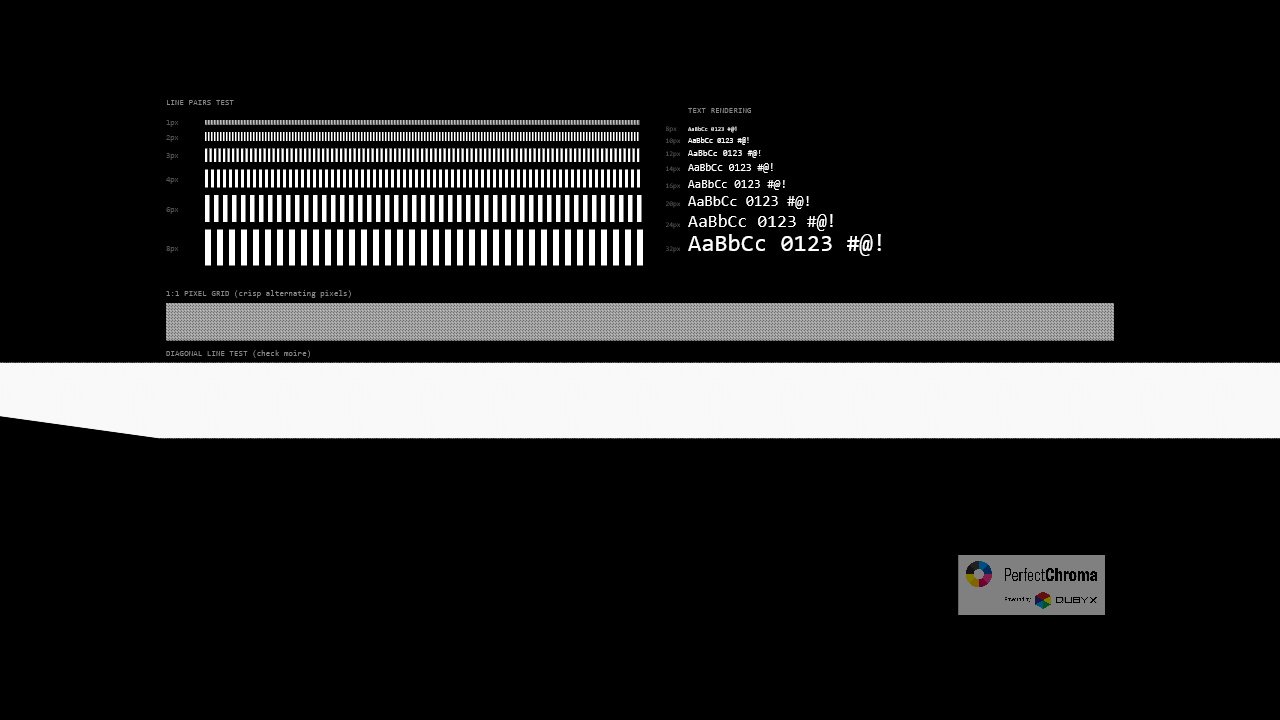
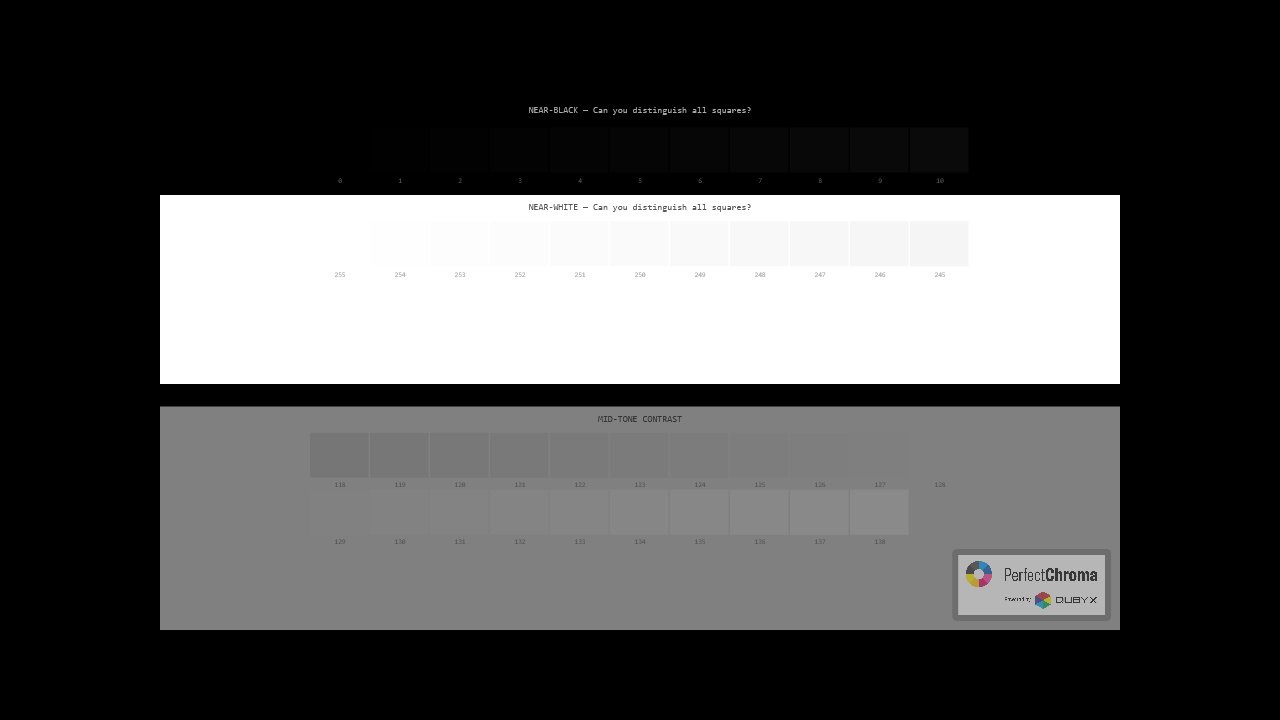
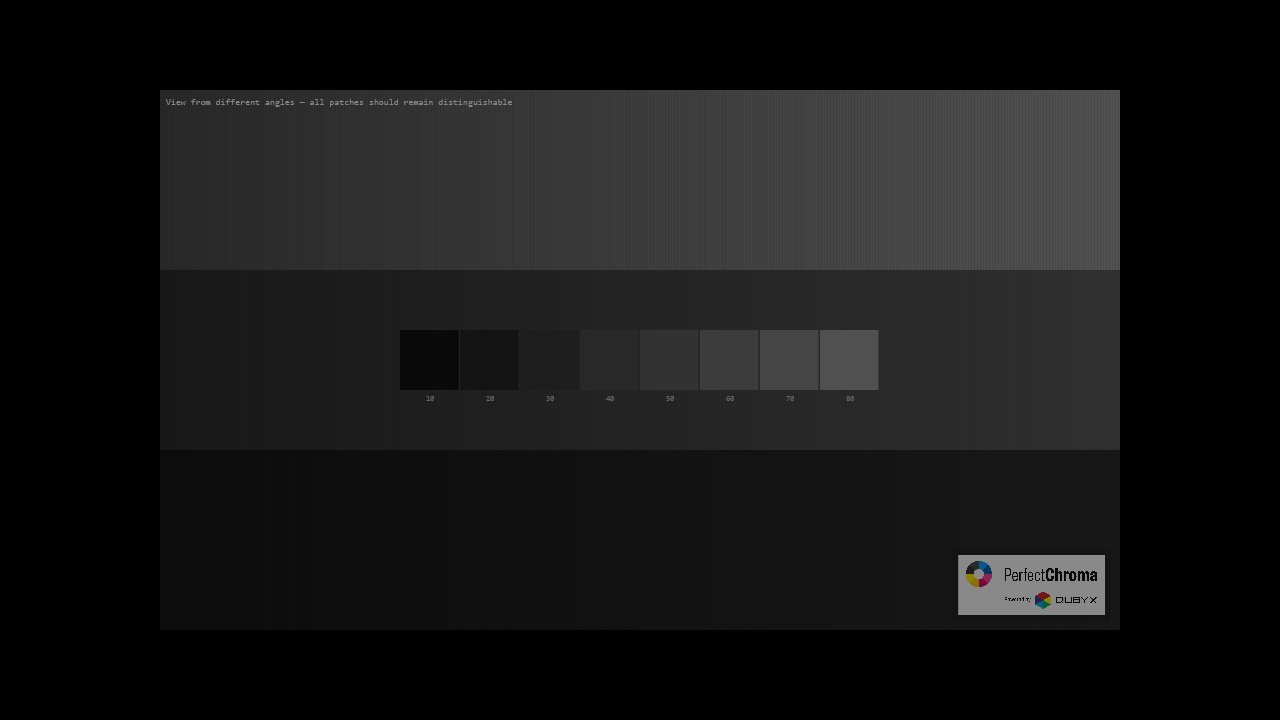
Evaluate your display's color accuracy, gamma response, and pixel integrity—directly in your browser. No downloads required.

PerfectChroma Monitor Test Pattern Generator interface
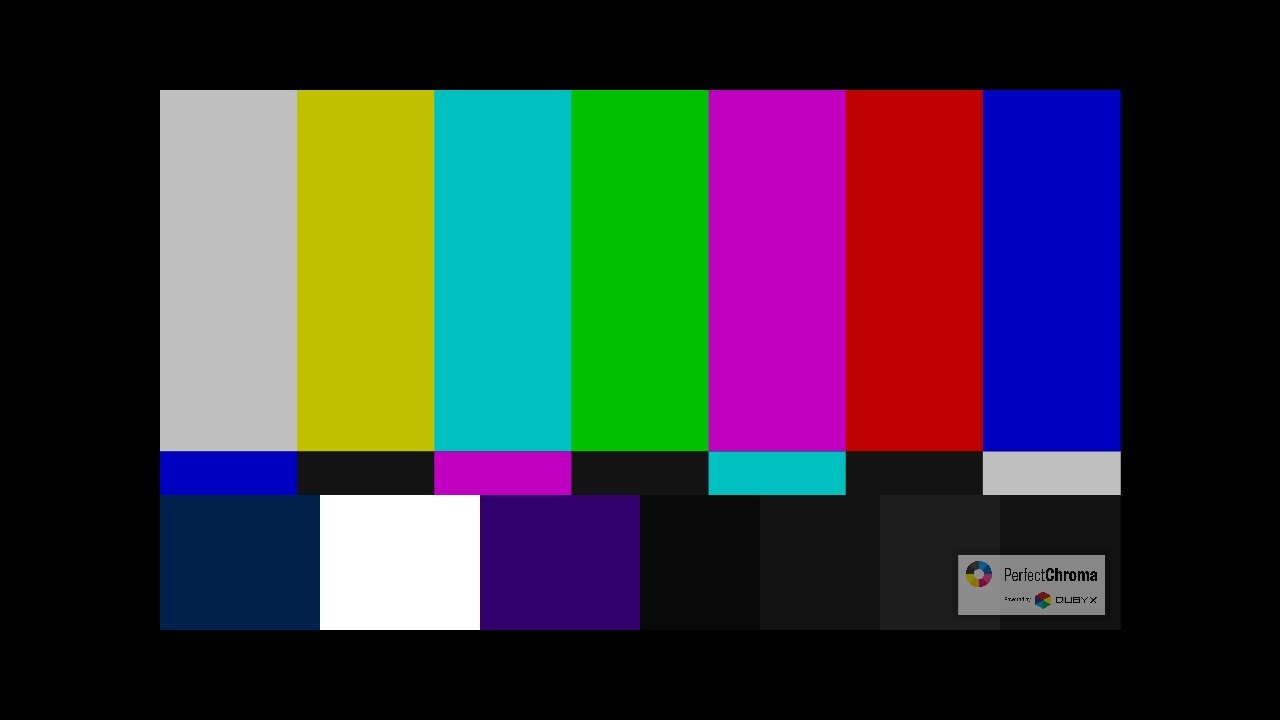
SMPTE Color Bars test pattern
SMPTE Color Bars
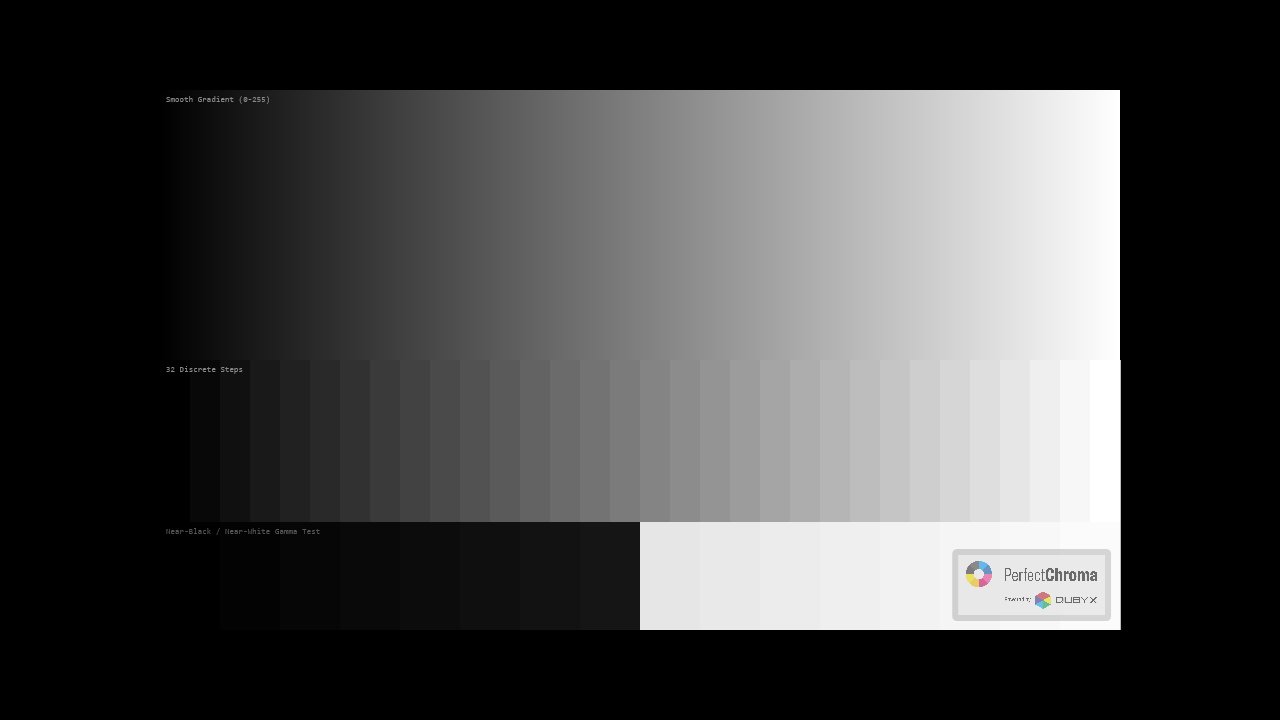
Grayscale ramp test pattern
Grayscale Ramp
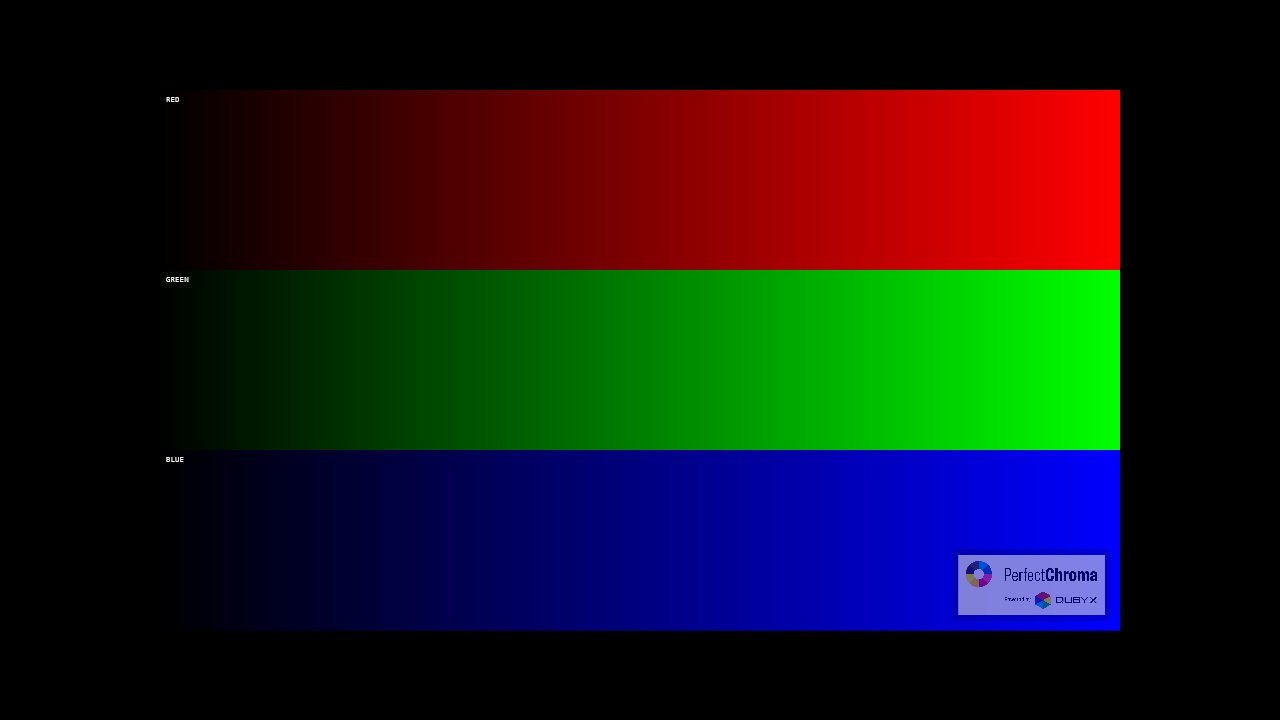
RGB Gradient test pattern
RGB Gradient
Grid alignment test pattern
Grid Alignment
Sharpness focus test pattern
Sharpness & Focus
Contrast ratio test pattern
Contrast Ratio
Viewing angle test pattern
Viewing Angle
Custom test pattern generator output
Custom Pattern Generator — Build Your Own

Pixel-Perfect Test Pattern Generator

Don't trust scaled images to test your display. PerfectChroma doesn't stretch static JPEGs — it dynamically generates test patterns coded exactly to your monitor's native resolution. Whether you are on 1080p, 4K, or a custom ultrawide, a one-pixel line will always render as exactly one pixel. Zero stretching. Zero interpolation. Absolute accuracy.

1080p 4K UHD Ultrawide Custom Res

Uncompromised 10-Bit Color Support

See every shade. Evaluate every gradient.

When you need to test your monitor's HDR capabilities or smooth gradient rendering, standard 8-bit images fall short. PerfectChroma fully supports a true 10-bit pipeline, outputting over 1.07 billion colors directly to your display. Whether you are grading high-end video, editing RAW photography, or proofing for print, our 10-bit and 8-bit test patterns ensure you are seeing your panel's true capabilities without software-induced banding.

10-bit Pipeline 1.07B Colors HDR Support Zero Banding

13 professional-grade test patterns — SMPTE Color Bars, Grayscale Ramps, Dead Pixel Detector, and a fully customizable generator with multi-display support. Test before you calibrate. Catch problems before they affect your work.

Solutions

Monitor Calibration for Every Creative

Whether you're a photographer, videographer, designer, or gamer, PerfectChroma delivers precision display calibration software tailored to your workflow. As a result, every creative discipline gets the exact color accuracy it demands.

For Photographer

For Photographer

Achieve true-to-life colors in your prints and digital work with precision display calibration software.

  • Print-to-screen matching
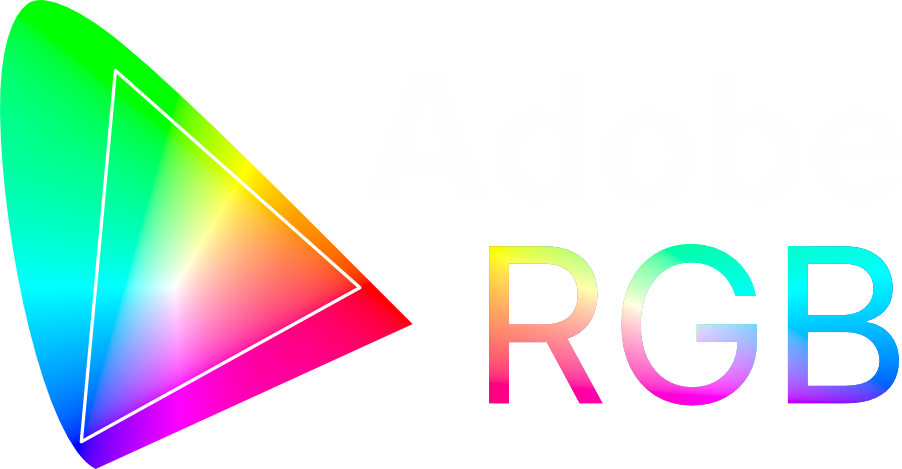
  • Adobe RGB color space
  • Batch calibration support
Learn more →
For Videographers

For Videographers

Ensure accurate color grading with Rec.709 and DCI-P3 display calibration software presets.

  • Rec.709 & DCI-P3 presets
  • HDR10 support
  • Timeline-accurate colors
Learn more →
For Designers

For Designers

Design with confidence knowing your colors are accurate across all devices.

  • sRGB web-safe colors
  • Brand color accuracy
  • Multi-display sync
Learn more →
For Gamers

For Gamers

Experience games as developers intended with optimized color and contrast.

  • Game mode presets
  • Enhanced contrast
  • Low latency calibration
Learn more →
Pricing

Transparent Pricing Plans

No hidden fees. No surprises. In short, just honest pricing for professional color accuracy results.

PerfectChroma

Pro License

Hardware calibration engine. Seamless workflow integration. Essential color accuracy.

$399
$199 /One Time Purchase
What's Included
  • Full PerfectChroma software
  • Support for major colorimeters
  • Delta-E < 1.0 accuracy
  • Smart calibration presets
  • Automated scheduling
  • History Journal & Reporting
  • 1-year free updates
Choose this plan
PerfectChroma

Studio Bundle

Own your entire fleet. Remote management. Centralized reporting.

$999
$799 /One Time Purchase
What's Included
  • 3 PerfectChroma Licenses
  • 1 X-Rite i1Display Pro Sensor
  • Remote Management Dashboard
  • Centralized status monitoring
  • Profile distribution across network
  • Compliance reporting
  • Priority support for team
Choose this plan
Proven Results

Trusted Display Calibration Software for Professionals

Join thousands of studios, agencies, and independent creators who rely on PerfectChroma for pixel-perfect color accuracy. Furthermore, our growing community proves that professional color confidence is within reach for everyone.

What Our Customers Say About Our Display Calibration Software

PerfectChroma eliminated every color argument with my clients. My product shots match the final print so precisely that we've cut revision rounds in half.
Marcus Hale
Marcus Hale
Commercial Photographer
Skin tones are everything in portrait work. Since calibrating with PerfectChroma, my prints from the lab look identical to what I see on screen — every single time.
Priya Nair
Priya Nair
Portrait Photographer
Fashion clients demand pixel-perfect color fidelity. PerfectChroma's Smart Presets get me calibrated and ready to shoot in under two minutes. It's become non-negotiable on set.
Leo Tanaka
Leo Tanaka
Fashion Photographer
The 3D gamut visualization caught an out-of-gamut brand color before it went to the printer. That one catch alone saved me an expensive reprint and a very unhappy client.

Camille Dubois
Camille Dubois
Brand & Graphic Designer
I design for screens all day, and color consistency across my monitors used to drive me mad. PerfectChroma fixed that in one session. My designs look the same everywhere now.
Dante Mercer
Dante Mercer
UI/UX Designer
Rendering accurate materials in 3D requires a trustworthy display. PerfectChroma gives me that confidence — my textures and lighting look exactly as intended across every device.
Yuki Oshiro
Yuki Oshiro
3D Artist & Modeler
Motion work lives and dies by vibrant, accurate color. PerfectChroma keeps my display honest so the gradients I painstakingly craft in After Effects actually look right at delivery.
Stefan Varga
Stefan Varga
Motion Graphics Artist
PerfectChroma eliminated every color argument with my clients. My product shots match the final print so precisely that we've cut revision rounds in half.
Marcus Hale
Marcus Hale
Commercial Photographer
Skin tones are everything in portrait work. Since calibrating with PerfectChroma, my prints from the lab look identical to what I see on screen — every single time.
Priya Nair
Priya Nair
Portrait Photographer
Fashion clients demand pixel-perfect color fidelity. PerfectChroma's Smart Presets get me calibrated and ready to shoot in under two minutes. It's become non-negotiable on set.
Leo Tanaka
Leo Tanaka
Fashion Photographer
The 3D gamut visualization caught an out-of-gamut brand color before it went to the printer. That one catch alone saved me an expensive reprint and a very unhappy client.
Camille Dubois
Camille Dubois
Brand & Graphic Designer
I design for screens all day, and color consistency across my monitors used to drive me mad. PerfectChroma fixed that in one session. My designs look the same everywhere now.
Dante Mercer
Dante Mercer
UI/UX Designer
Rendering accurate materials in 3D requires a trustworthy display. PerfectChroma gives me that confidence — my textures and lighting look exactly as intended across every device.
Yuki Oshiro
Yuki Oshiro
3D Artist & Modeler
Motion work lives and dies by vibrant, accurate color. PerfectChroma keeps my display honest so the gradients I painstakingly craft in After Effects actually look right at delivery.
Stefan Varga
Stefan Varga
Motion Graphics Artist

Trusted display calibration software powering color workflows at world-class organizations

Canon uses display calibration softwareCanon display calibration
Carestream monitor calibration softwareCarestream display calibration
Datacolor display calibration software partnerDatacolor calibration partner
Dell monitor calibration softwareDell display calibration
DIVA display calibration softwareDIVA calibration partner
Globel monitor calibration softwareGlobel display calibration
canoncanon
carestreamcarestream
datacolordatacolor
delldell
divadiva
globelglobel
Goomedi display calibration softwareGoomedi monitor calibration
Konica monitor calibration softwareKonica display calibration
Lasersoft display calibration softwareLasersoft calibration partner
Matrox display calibration software partnerMatrox monitor calibration
Olorin monitor calibration softwareOlorin display calibration
Perelmann display calibration softwarePerelmann calibration partner
goomedigoomedi
konicakonica
lasersoftlasersoft
matroxmatrox
olorinolorin
perelmannperelmann
Rein Medical display calibration softwareRein Medical monitor calibration
Sony display calibration software partnerSony monitor calibration
TUF3 display calibration softwareTUF3 calibration partner
UMM monitor calibration softwareUMM display calibration
Wide display calibration softwareWide monitor calibration
Wisconsin display calibration softwareWisconsin monitor calibration
reinmedicalreinmedical
sonysony
tuf3tuf3
ummumm
widewide
wisconsinwisconsin
FAQ

Frequently Asked Questions

Get answers to common questions about our monitor calibration tool and learn how PerfectChroma works. In addition, explore our full documentation for deeper technical guidance.

Do I really need calibration software?
Yes. All displays drift over time. Factory calibration is just a starting point. Therefore, calibration is the only reliable way to maintain color accuracy.
How often should I calibrate?
Every 2–4 weeks is recommended. Moreover, PerfectChroma automates this with scheduled calibrations that run overnight so you never have to think about it.
Can I use my existing X-Rite or Calibrite sensor?
Yes. PerfectChroma is hardware-agnostic and consequently works with most industry-standard colorimeters, including X-Rite and Calibrite devices.
Will calibration make my display look different?
Initially, yes. If your display has drifted, calibration will correct it. However, your eyes will adapt within 24 hours and you will wonder how you ever worked without it.

Start Your Journey to Perfect Color Accuracy

Try PerfectChroma risk-free for 14 days. No credit card required. Furthermore, installation takes under 5 minutes.

Download 14-Day Free Trial
Windows 10/11 or macOS 10.14+
4GB RAM Min.
Compatible Colorimeter