PerfectChroma's monitor calibration presets are one-click ICC profile targets for every delivery standard - sRGB, DCI-P3, Rec. 709, Rec. 2020, and beyond. Always calibrated. Always ready.
Creative teams regularly move between sRGB, Adobe RGB, Rec.709, DCI-P3, and print targets. Smart presets remove the friction by letting you recall validated calibration states instantly. Professional creatives constantly switch between delivery targets: web needs sRGB, cinema demands DCI-P3, broadcast requires Rec. 709. Without instant monitor calibration presets, every transition is a manual calibration nightmare.
Traditional calibration workflows take 8-20 minutes per switch. If you don't use monitor calibration presets, multiplying that by daily color space changes means you lose hours every week.
Without governed presets, manual calibration is inconsistent. The same display calibrated twice by hand will rarely hit identical values.
In collaborative studios, each workstation is calibrated differently. There is no shared standard - resulting in deliverables that look different on every seat.
Save calibrated states once, reload them in seconds, and keep individual workstations or entire teams aligned with the same approved targets. PerfectChroma's monitor calibration presets lock in validated ICC targets for every standard you work in. Switch color spaces in one click - no re-calibration, no guesswork, no wasted time.
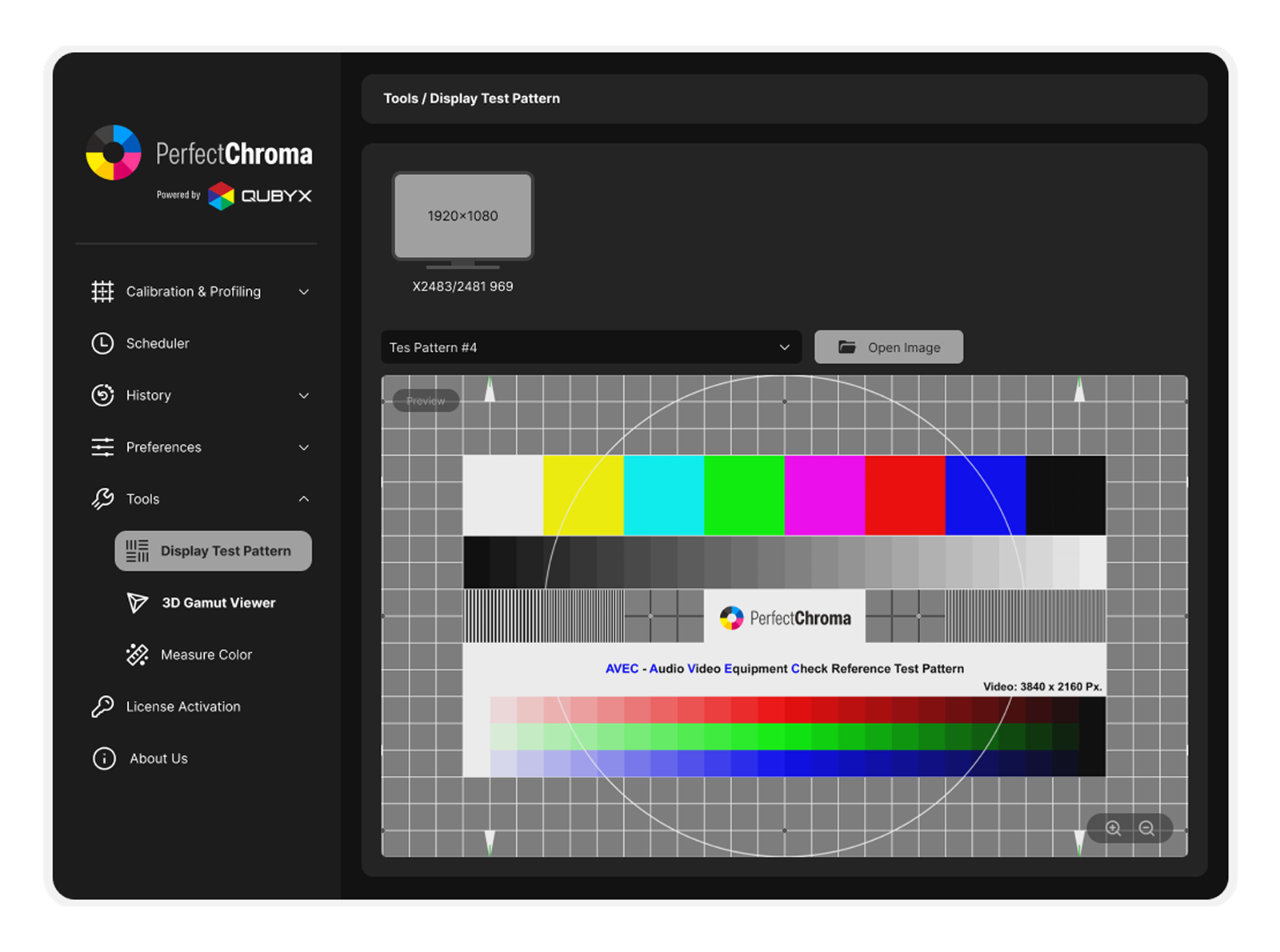
Smart presets are useful because they remove uncertainty before you switch a display into a new target. Instead of memorizing white points, gamma curves, or delivery luminance, your team can review a preset by name and immediately confirm what it is built for.
This selector mirrors the behavior of the dashboard preset library: choose a target, inspect its calibration spec, and confirm the delivery context before applying it to the active display. It gives operators, assistants, and review clients a shared language for moving between photography, web, print, SDR, and HDR workflows.
Photography preset for RAW editing and print preparation. Targets a neutral D65 white, gamma 2.2, and balanced luminance for image review and proofing.
Eliminate the gap between your creative intent and what your client sees on any screen using precise monitor calibration presets.
Move from a web sRGB edit to a cinema DCI-P3 grade instantly — no hardware re-read, no waiting.
Every preset load achieves the same validated result. Zero variance between sessions or operators.
Sync validated monitor calibration presets across every workstation in your facility. Every editor sees exactly the same reference.
New delivery standards like HDR10 or Dolby Vision are added to the preset library as the industry evolves — automatically downloaded to your client.
Each of our monitor calibration presets is backed by a 3D Look-Up Table (LUT) - a mathematical cube that maps every input RGB value to a corrected output value. Unlike 1D LUTs that can only adjust individual color channels independently, 3D LUTs operate in the full RGB color cube, enabling simultaneous corrections to hue, saturation, and luminance for every possible color combination.
PerfectChroma generates these monitor calibration presets at 65x65x65 resolution (274,625 correction nodes) during the initial calibration measurement pass. When you switch presets, the pre-computed LUT is loaded directly into the GPU's video output pipeline via the VCGT (Video Card Gamma Table) or, on supported hardware, into the monitor's internal LUT processor - achieving sub-frame application with zero added latency.
The mathematical model behind each preset includes: white point adaptation (Bradford chromatic adaptation transform), gamma linearization (power function or PQ/HLG EOTF), gamut boundary mapping (relative colorimetric or perceptual rendering intent), and luminance scaling to your defined peak white and black level targets. Together, these produce a calibration that is both mathematically precise and perceptually optimized.
Modern production studios often run multi-display workstations - a primary reference monitor calibrated to DCI-P3 for color grading, a secondary display in Rec. 709 for broadcast client preview, and a wide-gamut panel in Adobe RGB for still-frame extraction. Managing these color spaces manually is error-prone, time-consuming, and virtually impossible to keep synchronized across multiple seats in a facility.
PerfectChroma's monitor calibration presets assign per-display profiles that activate simultaneously when a workspace preset is loaded. With a single click, your primary monitor switches to DCI-P3 D65 at 48 cd/m2, your client preview shifts to Rec. 709 BT.1886 at 100 cd/m2, and your extract monitor enters Adobe RGB at 120 cd/m2. Zero manual intervention, zero risk of loading the wrong LUT on the wrong display.
For post-production facilities, this capability aligns with ACES (Academy Color Encoding System) display-referred workflows, where each monitoring point in the pipeline requires a precise Output Display Transform (ODT). PerfectChroma presets can be mapped directly to ACES ODT targets, ensuring end-to-end color pipeline integrity from camera ingest to final deliverable.
Everything you need to know about Smart monitor calibration presets and color space workflow.
Stop wasting calibration time. Load any color space standard in 3 seconds - validated, repeatable, and ready to deliver.